I sat down with my son (5) and the Alesis Micron that is now anchoring my live set and we made a little track together. It was going to be called "Disco Slash" but for unknown reasons, he retitled it to the less inspiring "Disco Party." I helped with the mechanics but all the sequencing is him.
One of the more fun things about playing electronic music is figuring out how to perform live. To some people, Ableton Live and its external controllers made the question moot. And to a large number of others, Elektron’s highly playable devices have become the de facto way of low-impact performance design.
But when you’re not interested in bringing out a computer and you don’t have nice Elektron stuff, creating a way to connect and perform on your equipment is a fun and sometimes ridiculous challenge.
Various Reasons, for me, has always been about this. And usually it’s been a little too complicated and unreliable to make things easy to play. But discovering some of the features of my Alesis Micron has really opened up my options.
What it is
Today, my setup starts with the (non-pro) Arturia BeatStep, which mostly provides master clock but runs the sequence on a couple songs. It’s a fun way to run things because even though I can’t hard-wire a tempo to songs, the analog clock helps me go by “feel” a little bit.
From there, the MIDI chain goes to the Micron, which can run a multi-track sequencer. Unfortunately, having multiple sequences in songs means holding down keys and moving your finger around. That’s fine in some cases, and in others I’ve adapted tunes to use the same bassline moved around in key. There can even be rhythms.
In theory, a whole song can be built on the Micron, but I consider my modded Alesis HR-16 to be a signature part of my sound. So that is next in the chain. The snare runs to a cheap delay pedal to help alter sounds and add dubby effects to the beats. From there, I send MIDI clock to my Arturia Microbrute, which is almost always running an arpeggiator timed to that clock. It goes through a preamp for distortion and a Catalinbread spring reverb.
The last piece is a Korg Volca Keys. I use it for pads, leads, and with the aid of a Hotone Wally looper, transitions between songs for less awkward silence while I change patches. The hardest part of this is hitting keys, but I don’t have a small enough MIDI controller to justify bringing out something else.
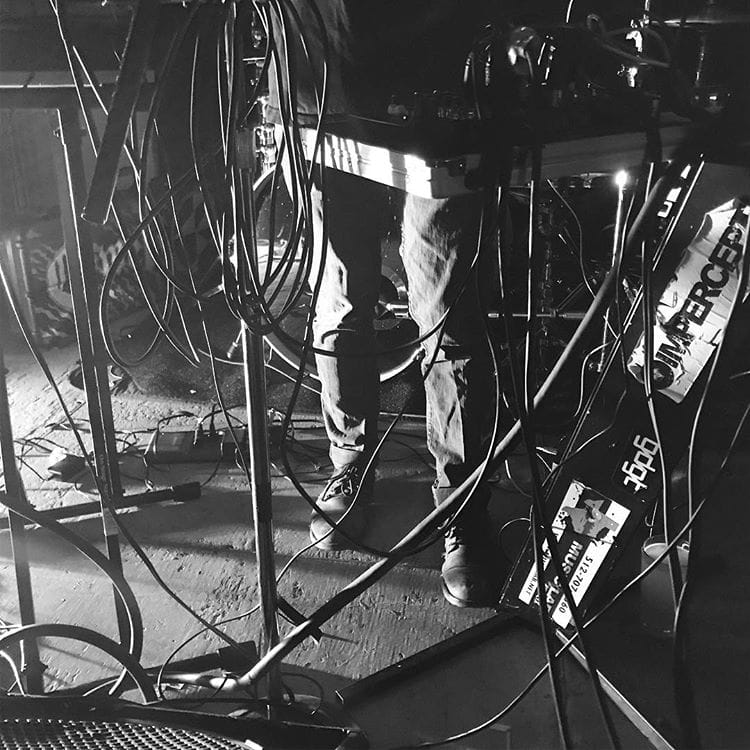
It’s not the simplest setup I have. There are quite a few connections, and a couple analog synths with no patch recall. It does make changing parts within songs much easier than my previous setup, which had me running around like a crazy person trying to change patterns on multiple sequencers — some of which require two fingers. It’s got a bit of a shambolic timing, which is not ideal in some cases, but a lot more interesting and unique than a perfect computer or Octatrack clock. An audience member described it as “raw,” but to excerpt some of the lyrics, it’s also a mess of tangled wires.
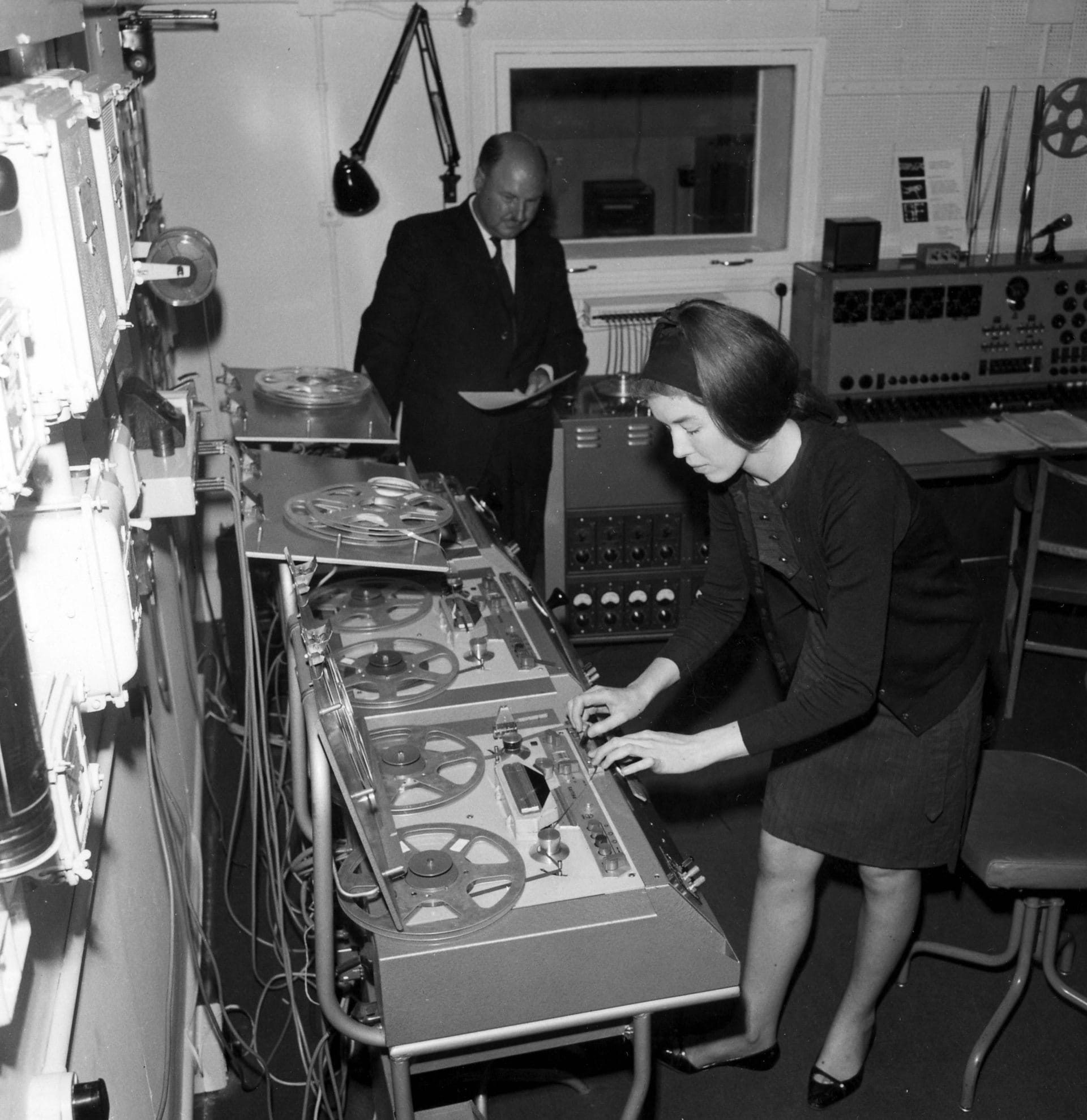
Really cool pictures, mostly from the 60s but some even earlier, of the place where the BBC employed practitioners of hard core experimental electronics to make commercial sound.
There's Delia Darbyshire, Daphne Oram, an EMS Synthi 100, and all kinds of tape loops hanging everywhere. So cool.
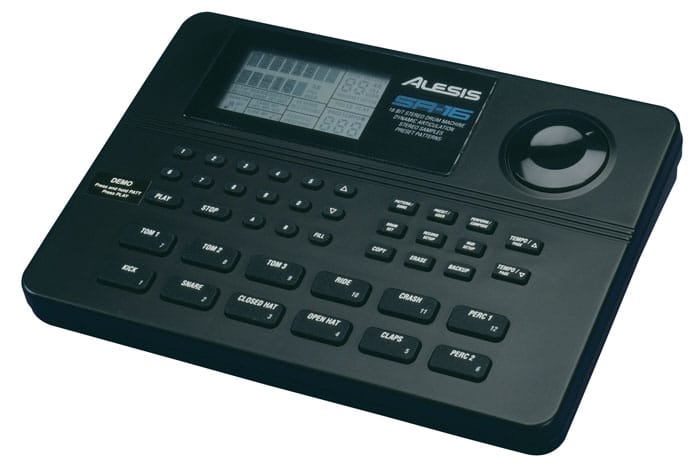
I was somewhat surprised recently to see that some people on the group-buying site Massdrop were attempting to get a group together for the Alesis SR-16 drum machine. At its regular street price, the SR-16 is at the same price point as a lot of other newer, more fashionable machines. The Volca Beats is an insanely fun, great-sounding, compact true analog 808 clone for the same coin. Boss continues to make good drum machines for the same or not much more.
And recently I've been in multiple conversations about how the Alesis brand is mostly garbage. This is a shame, at least for the sake of a few great machines — The Micron/Ion keyboards are among the best synths to come out of the now-passé virtual analog era — but most notably for the SR-16. It's somewhat hard to love, but it's also hard to deny.
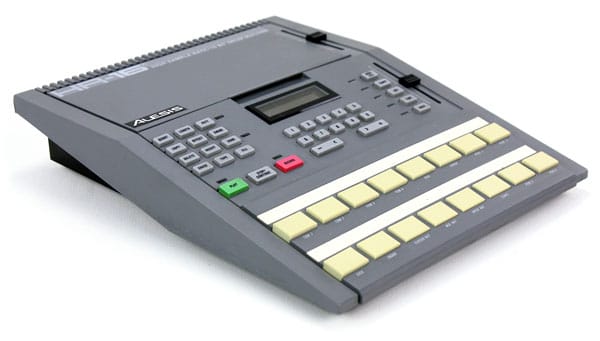
Alesis produced the very first 16-bit sampling drum machine, the HR-16. Previous sample-based machines, like Oberheim's DMX and the Linn LM-1, were 8 or 12-bit. "HR" stood for high resolution and it really wasn't a pose. The samples were good, they had multiple velocity levels, and they were tunable. But there was, as with all machines of the time, a single kit worth of sounds to choose from. I use one, and I replaced the internal chips with Linn LM-1 sounds.
Fast forward to 1993, and the successor to the HR-16 didn't do much for innovation, but it added every feature you might want in a drum machine. There were velocity-dependent samples: if you hit a pad harder you'd hear a sample of a drummer hitting the drum harder, rather than just the same sample at higher volume. There were two drum "fills" for each pattern, so that switching between patterns was less robotic and more realistic. For live standalone users, there were two foot pedal inputs for changing patterns hands-free on stage. But if you wanted to use the unit as a sound module, the MIDI implementation was more complete than anything on the market. Godflesh upgraded their HR-16 to an SR-16, and I started playing fairly Godflesh-like music with one, recording my ideas to 4-track. It also powered my first industrial/experimental band for quite a while before finally giving up the ghost after about 10 years of beats (I still have it and I'm sure it could be made operational again). But as long as it lasted and as useful as it was, I'm surprised that it's still made. More power to it.
I often wonder what the intersection of my two primary interests — UX and music — might be. Unfortunately, it usually seems like the main manifestation of this is in the obsessive tweaking of processes and tools.
It's probably natural for UX designers of a certain experience level to engage in service design thinking. You eventually start to think about the holistic world rather than just the point where a customer touches a software interface. But then again, it could very well be that the obsessive desire to have the perfect experience yourself is the driver of that kind of thinking. It's a chicken and egg situation, but whichever came first with me, my point is this: I'm constantly editing my tool chain.
The answer may very well be in simplicity (more on that at another time), and it definitely lies in compromise. I'm just not sure there's a really perfect process. Transparent tools that don't make you think are pretty much the ideal for creatives — for instance, in a live situation, tools that keep you from touching the laptop trackpad. That's why I bought an Akai APC40 controller for Ableton on Craigslist, but of course I still have to open new files, and that's a source of inaccuracy and anxiety onstage. So I've been trying to crack that nut. The quest continues. And in the meantime, I use the hardware equivalent of a polyfill, something that a layman might call "a trackball on stage."
Same in the studio. My best purchase of the past year was not a plugin or piece of hardware but a set of $10 keyboard shortcut stickers for Pro Tools. It eased my learning and enabled me to work much faster, especially in the editing stage of a mix. The up-front setup (about an hour peeling and sticking these little nightmare labels), analogous to say, setting up a new project management software, made every subsequent day a little easier. Until I ruined the keyboard with a beer spill. Don't drink and mix, kids.
Same with design. I've been playing with Sketch and ended up buying it because of the insane speed it offered me in a few key areas after just a short learning curve. The paradigm shift is just different enough that it mirrors Ableton: a program that is indeed a DAW and has mixer sliders but requires a completely different thought process from the old-school Pro Tools/Cubase mentality. Sketch is definitely a design tool, but it's been honed and trimmed back to incorporate only the elements you need for the particular type of design you're doing; in this case, it's screen design. But... there are holes. It doesn't do bitmaps at all, I mean at all, even compared to Illustrator. so I lose the valuable hybrid "don't think about the vector/bitmap divide" approach of the otherwise-clunky Fireworks. Which means that again, my process is incomplete and I have to fill in the gaps with workarounds and additional tools.
So what's the answer? I don't think there is one. If I rewrote this post next year, I'd be talking about different tools but it'd look remarkably similar. At some point you have to settle for "good enough it's not in my way," but it's still worths striving for the zen happy place of "perfection."